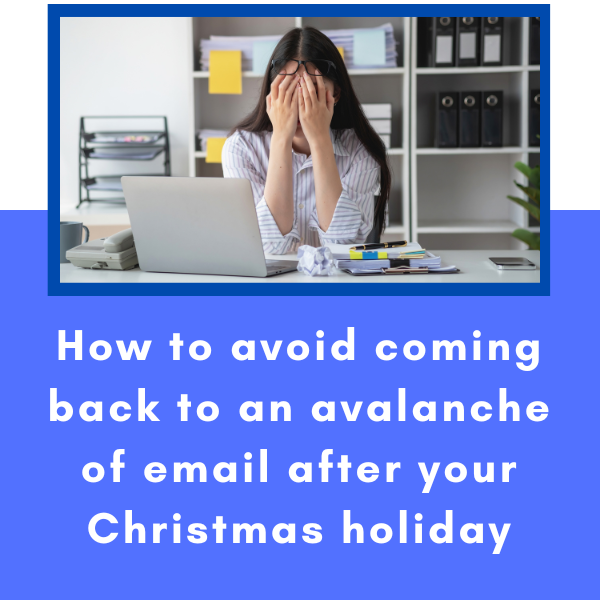
3 quick and easy steps to get your inbox empty before Christmas.
Read More
Want to find a specific blog?
Add word/s in Search & wait for results (do not enter)
3 quick and easy steps to get your inbox empty before Christmas.
Read MoreRead this blog to learn how to start the new year without the stress of seeing hundreds of emails received while you were away.
Read MoreThe Triage process involves a quick look at each new unread email, working from top to bottom and making one of 4 possible decisions the first (and only) time you handle the email, like a Triage nurse in the emergency department of a hospital quickly assessing incoming patients.
Read MoreThe two minute rule is an idea from American productivity guru David Allen (known for his Getting Things Done or GTD process).
Read MoreEvery email you read requires you to make a decision. The 4D methodology is a powerful and proven method to process any new inputs you handle, whether it’s the in tray, a text message, a Teams message or an email.
Read MoreOne of the biggest challenges we face each day is how to manage our email and the workload it delivers. Click here to read Tip 1 - Handle Each Email Only Once of my "Top Three Tips for Managing Email".
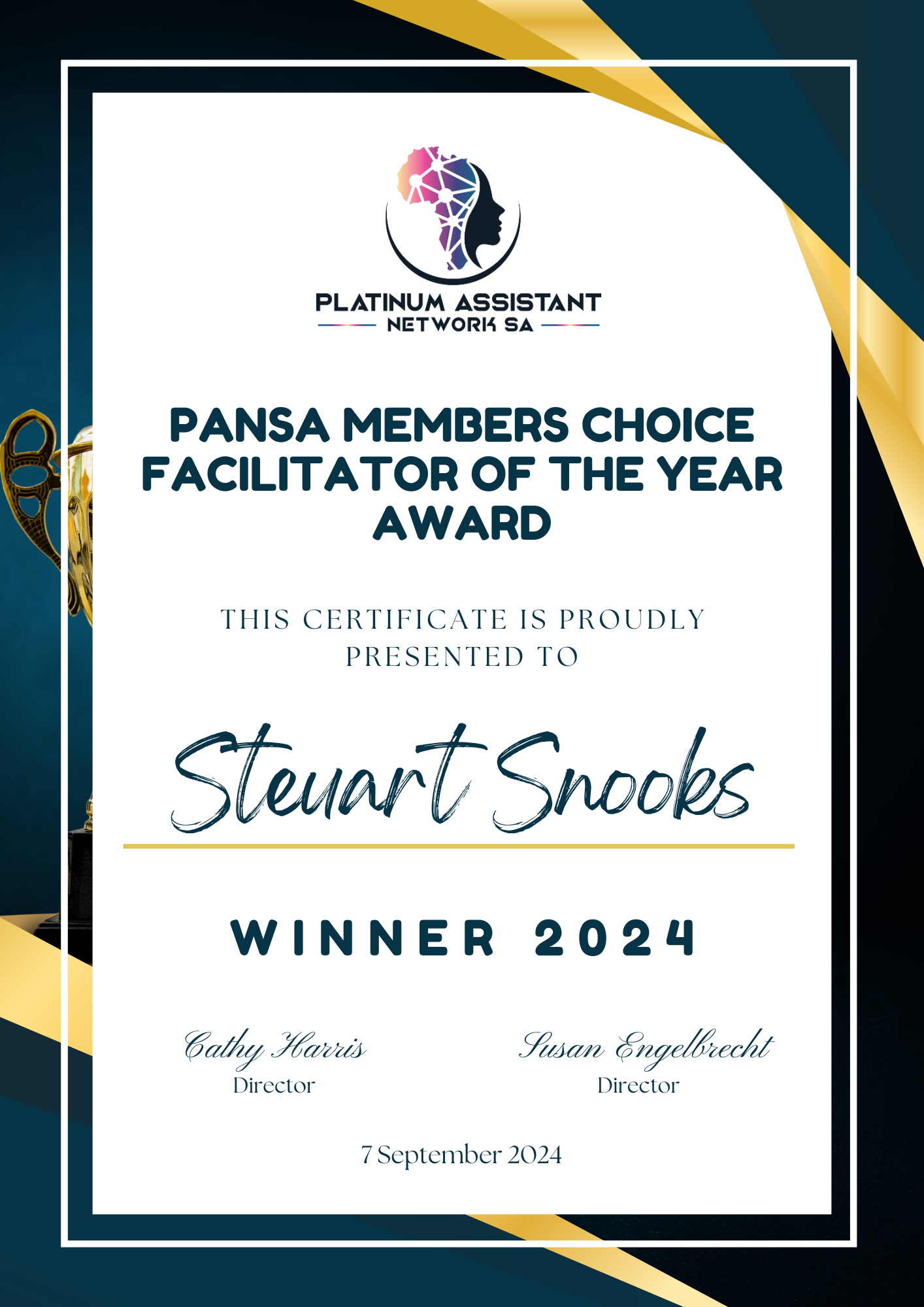
Read MoreCheck out the award I received from PANSA as the Members Choice Facilitator of the Year award.
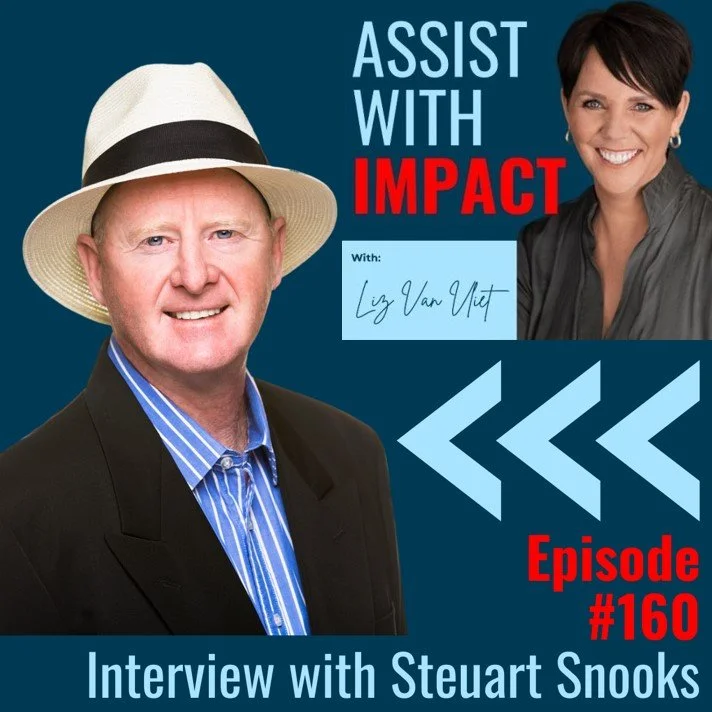
Read MoreListen to the interview I did with Liz Van Vliet for her podcast “Assist With Impact” episode 160.
Read MoreMany EAs and other clients ask me how much they should schedule into their calendar. My answer is . . .
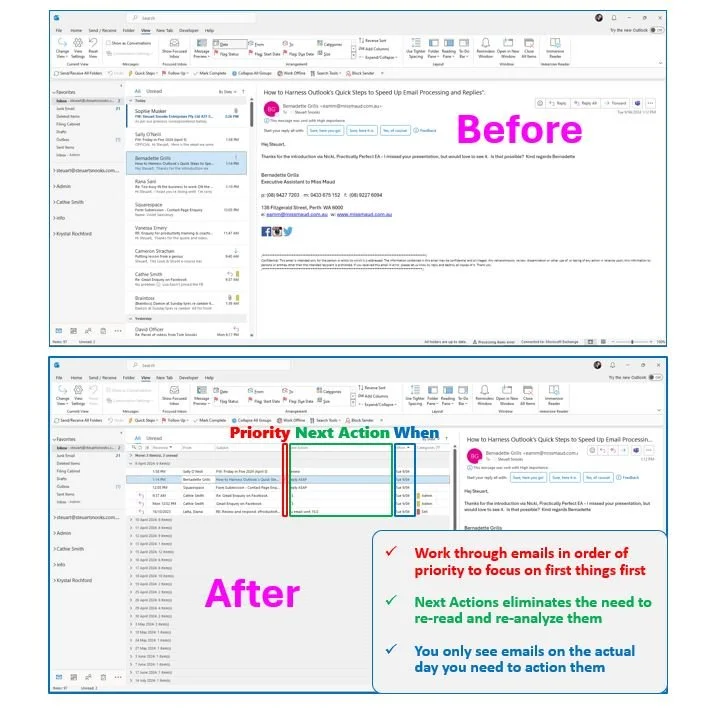
Read MoreHere’s how the Triage View helps to revolutionise the way you manage your Outlook inbox.
Read MoreHere’s how the Triage View helps to revolutionise the way you manage your Gmail inbox.
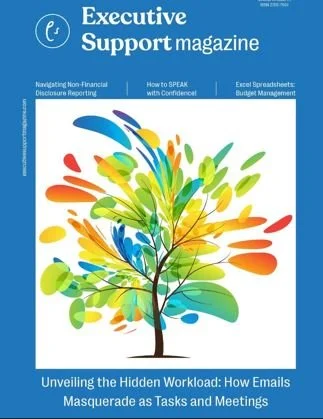
Read MoreThis article features as the cover story for the April/May edition of the Executive Support magazine
Read MoreBased on research from 3.5 million proposed meetings time around the world, check out these top 5 tips for scheduling meetings.
Read MoreI will be presenting this session at the upcoming Practically Perfect PA - Tools and Technology Virtual Summit on Thursday 14 March.
Read MoreWatch this tutorial on how to setup your Out of Office (OOO) with Holiday Backlog.
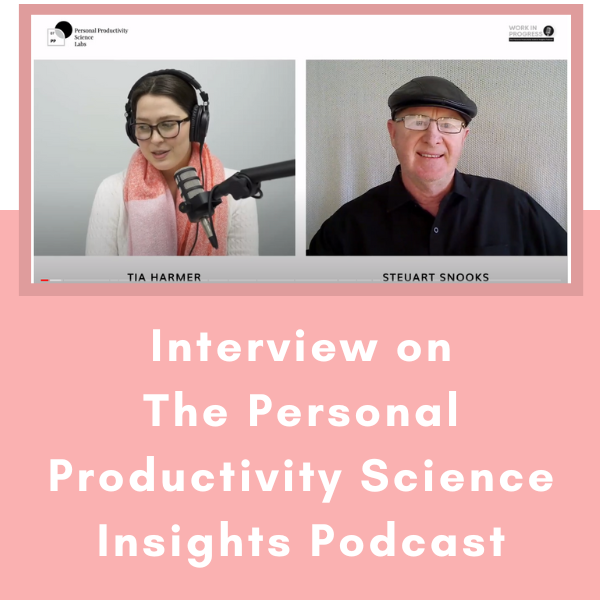
Read MoreThis interview with Tia Harmer is ideal as background listening while you’re at work or commuting.
Read MoreCheck out the feedback from The CEO Institute Syndicate Program
Read MoreLearn how to increase font size in Outlook (and reduce a cluttered view).
Read MoreLearn how ChatCPT can streamline the way you use email, especially when composing messages.
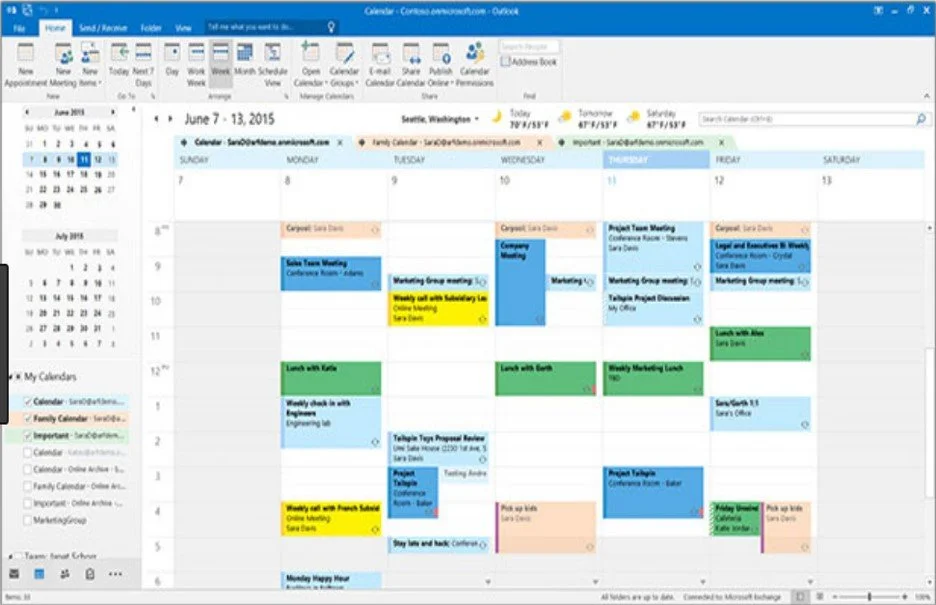
One of the advanced features you can use for your Outlook calendar is Conditional Formatting. This feature allows you to colour code appointments in your calendar based on conditions that you set.
Read More