
When the Triage Structure Disappears, You Finally See What It Was Doing

In last week's newsletter I wrote about the gap that experienced EAs keep naming after two decades of managing inboxes: not effort, not attitude, but structure — a clear way of deciding ‘when’ to process email, ‘what’ to do with each message, and ‘where’ commitments should live once a decision's been made.
What I didn't get into is what happens when that structure is suddenly taken away. Two recent conversations with clients showed me exactly what that looks like in practice.
The first was a client who'd started a new job and reached out saying, "I am now at a new job and need to reset up my mailbox." When we connected online, she explained that she was struggling to find the emails she needed and feeling overwhelmed — not by thousands of emails, but by a mere 114 in the inbox. What she was actually missing wasn't capacity. It was the structure she'd built with the Triage Operating System in her previous role. Without it, even a small, entirely manageable inbox felt chaotic.
The second came from a client whose Outlook had updated to the new version. She told me she "didn't realise how much my day to day working life relied on that" and now felt "a bit lost and back in email overload." Nothing about her workload had changed. What changed was the system she'd been quietly leaning on every day, and once it shifted underneath her, the overload she thought she'd solved for good came straight back.
Both stories point to the same thing: structure is invisible right up until it’s gone. When it’s working, it doesn’t feel like a system — it just feels like "how I do email." It's only when a new job, a new tool, or a new inbox strips it away that you realise how much of your calm, and your capacity to find things quickly, was never really about the volume of email at all. It was about the WHEN, WHAT and WHERE framework running quietly in the background.
It's also a useful reminder for anyone who thinks a triage system is something you set up once and then rely on being "just a habit" forever. Structure that lives only in your head, tied to one mailbox or one version of one tool, is fragile. Structure that's understood as a repeatable framework — one you can rebuild deliberately in a new role or a new interface — travels with you.
If you've ever changed jobs, switched tools, or had an update pull the rug out from under your inbox and suddenly felt that same "back to overload" jolt, it's not a sign you've slipped. It's a sign the structure was doing more work than you gave it credit for — and that it's time to rebuild it, deliberately, rather than wait for it to reassemble itself.
Whether it's a new role or a new version of Outlook, the fix is the same: rebuild the structure on purpose, don't wait for it to reassemble itself. If either of these stories sounds familiar, why not join us at the upcoming ‘Transitioning to the NEW Outlook’ training program in October. See details below.
Ready to Take the Next Step with the New Outlook?
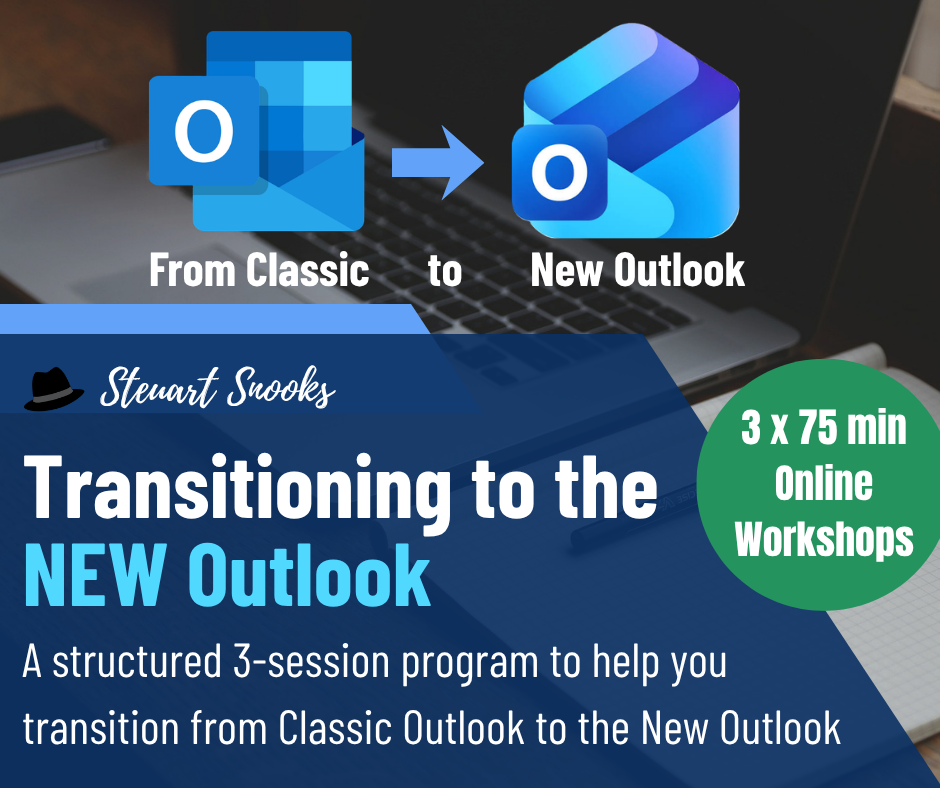
Microsoft’s NEW Outlook is changing the way we manage email, calendars and tasks. But knowing what’s changed is only the beginning.
Join Steuart Snooks and Lori Byland for the Transitioning to the NEW Outlook program — a practical 30-day coaching program designed to help you transition confidently while maintaining an effective and productive way of working.
With live workshops, coaching and practical strategies, you’ll learn how to make the most of the NEW Outlook and build an efficient workflow that works for you.
Click below (or on the image) to find out more about the Transitioning to the NEW Outlook program.