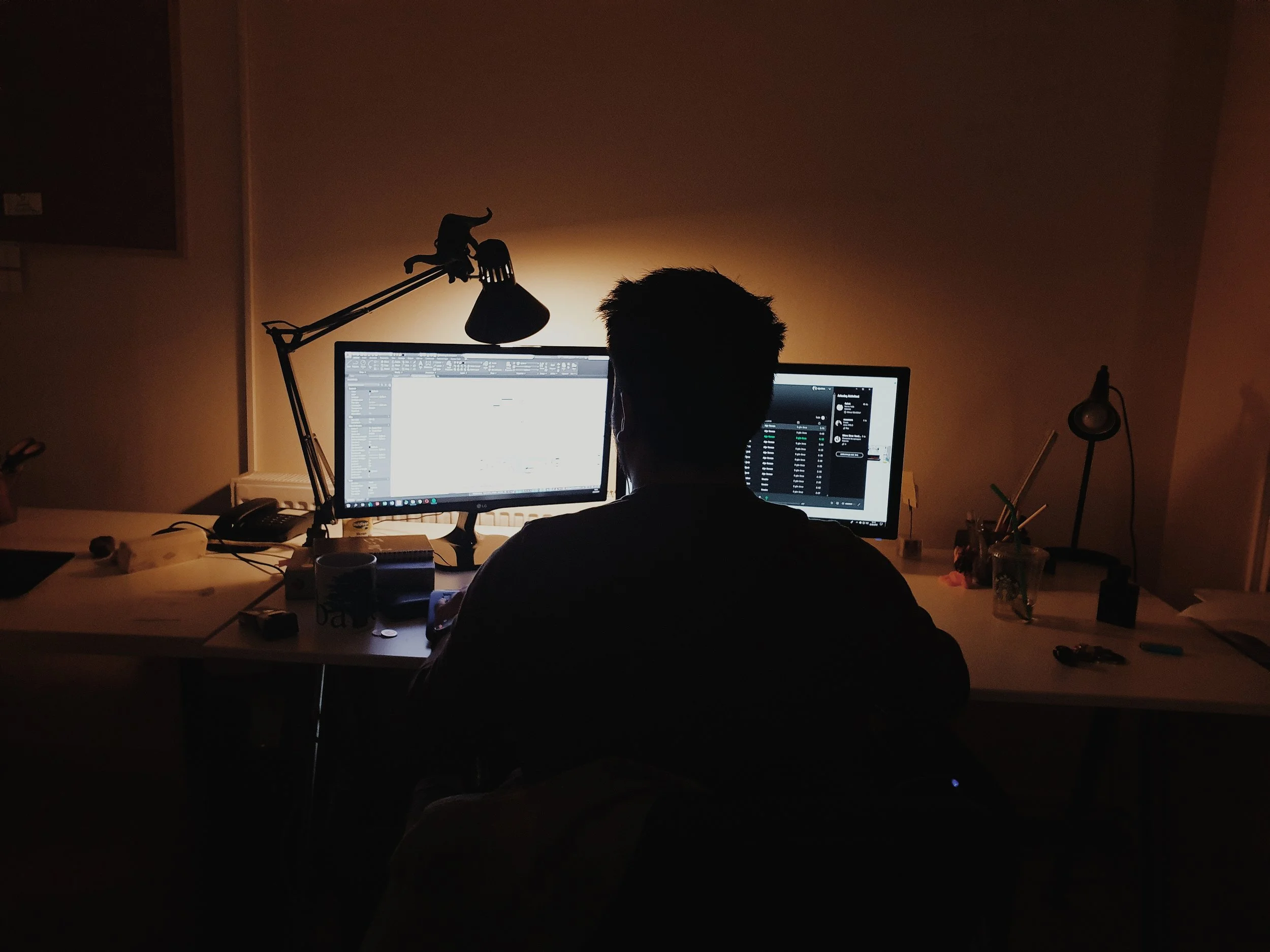
A second screen or monitor (or split a large screen, using windows icon + left arrow) if much of your work is done on computer. It will make you at least 20% more productive than working with a single small screen.
Read More
Want to find a specific blog?
Add word/s in Search & wait for results (do not enter)
A second screen or monitor (or split a large screen, using windows icon + left arrow) if much of your work is done on computer. It will make you at least 20% more productive than working with a single small screen.
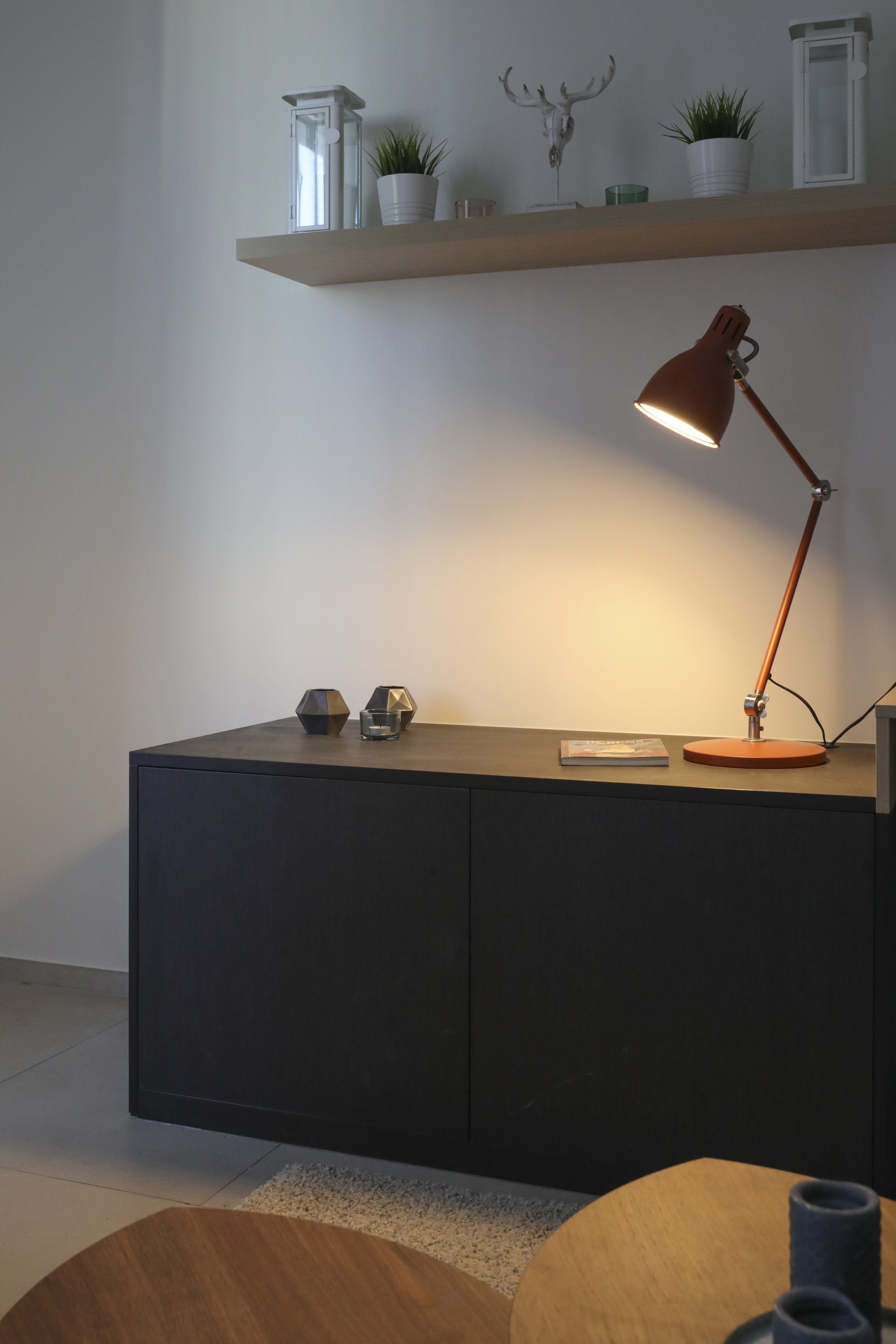
Read MoreGood lighting is as important as a comfortable chair so use a halogen lamp on your desk to create a lighted area that helps to relieve eye strain and generally make it easier to focus.
Read MoreWhy it’s important to create an area dedicated to your work activities.
Read MoreHere’s an interview I did with Jonathan at OCR FM radio station on some ideas for working productively at home.
Read MoreWhy it’s critical to have some sort of end of day shutdown routine or ritual and make the distinct mental shift from work to home, especially when the two are now in the same physical location.
Read MoreWhy it’s important to step away from your desk between tasks.
Read MoreThe research proves that multitasking does not work. Turn off all email and social media alerts and schedule a few times during the day to check these.
Read MoreBatching tasks allows you to have larger blocks of times for full focus for your key tasks and then a shorter, concentrated block of time for attending to a range of small and similar tasks.
Read MoreWhen you’re working towards a deadline, you’ll want to avoid being constantly interrupted. That’s why blocking out time in your calendar and setting deadlines for your work is so important.
Read MoreParkinson’s Law states that a task expands to meet the time available. A limited timeframe provides focus and motivation to get a task done. As entrepreneur Timothy Ferriss writes ‘reduce time to increase focus’.
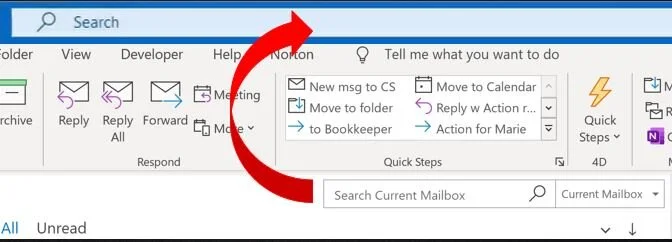
Read MoreMicrosoft is rolling out a new Search box for Windows desktop Outlook, locating the search box at the top of the window - learn more here
Read MoreWrite up a master task or to-do list and identify the 3 most important tasks you need to achieve for the day and then block time for these into your calendar.
Read MoreNow that you are working remotely you can adjust your normal morning routine to maximise your productivity.
Read MoreAustralian Email Expert Steuart Snooks discusses the problems, impacts and solutions to the perennial issue of managing email and workload.
Read MoreTips for being productive working at home or remotely
Read MoreEnsuring that our recipient(s) has, firstly, received and secondly, understood the message, in the same way as we sent it, is the other part of communicating effectively.
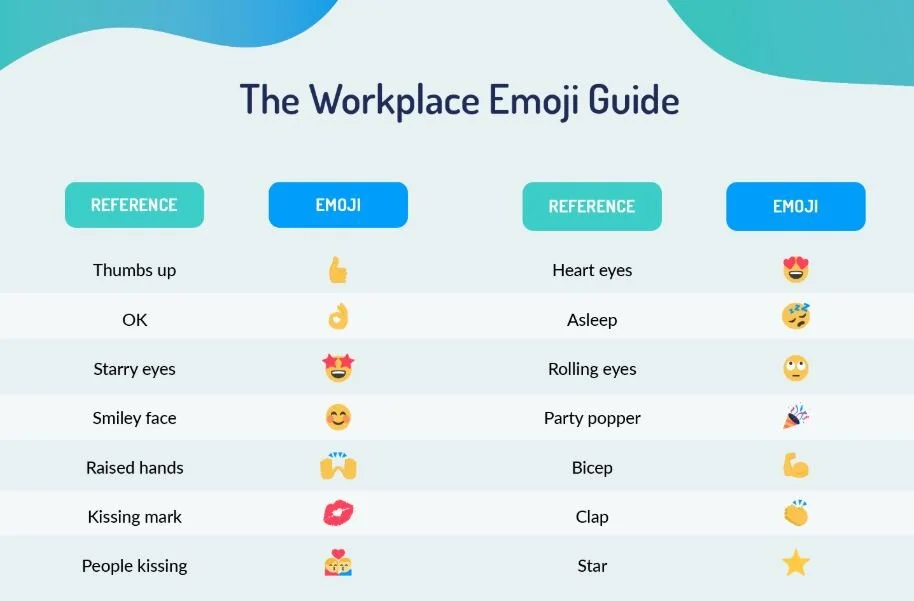
Read MoreA guide to how emojis are used and interpreted in the workplace.
Read MoreStruggling to keep up with email at the moment? Why not jump online and join me for a free weekly online Q&A forum?
Read MoreE-mail is just one of many modes of communication that are available to us these days. For some messages, it’s the best mode to use; for others, it’s not. And urgent messages are one type of message that is NOT suited to e-mail. Let me explain in this blog. . .
Read MoreIs there a place for emoticons in workplace email?
Read More