‘Which version of Outlook are you using?’
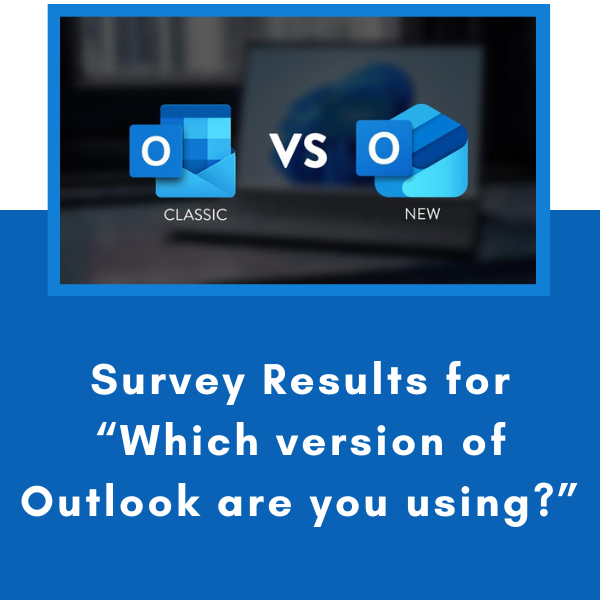
Thanks to all who contributed to last week’s question on ‘Which version of Outlook are you using?’ Here are the results and my take on what they mean.
Executive Summary:
The survey shows that Classic Outlook remains the dominant platform (77%), but more than one-third of users are already using New Outlook and one-quarter use Outlook Online. This shows that organisations are operating in a mixed-version environment, meaning that any Outlook training should focus on universal productivity principles while also highlighting key differences between Outlook versions. This approach reduces support requests, improves adoption, and prepares staff for Microsoft's ongoing transition to New Outlook.
Key Insights:
1. Classic Outlook remains dominant
When we combine everyone who uses Classic Outlook in some form:
Only Classic = 45
Classic + New = 9
Classic + Online = 12
All 3 = 5
77.2% use Classic Outlook, showing that Classic Outlook is still the primary platform.
2. The migration to New Outlook is well underway
People using New Outlook in some form:
Only New = 15
Classic + New = 9
New + Online = 3
All 3 = 5
34.8% are using the New Outlook
3. Outlook Online is more important than many organisations realise
Users accessing Outlook Online:
Only Online = 2
Classic + Online = 12
New + Online = 3
All 3 = 5
23.9% are using Outlook Online, which indicates
Hybrid work
Remote access
Shared devices
Staff working from home
Mobile or flexible work arrangements
Any Outlook training should highlight:
What works in all versions
What only works in Classic
What features differ when working with online version
4. The Outlook environment is fragmented
Those using only one version - 67.4%:
Classic only = 48.9%
New only = 16.3%
Online only = 2.2%
Using multiple versions: - 32.6%
One-third of participants switch between versions. This creates confusion such as:
"It works on my laptop but not at work."
"The button isn't there."
"My screen looks different."
This is one of the biggest causes of Outlook IT support requests.
One useful poll showed that "Only half the room is using exactly the same Outlook as everyone else."
This immediately explains why people see different screens and causes much confusion.
Strategic Implications for your organisation
This data suggests the organisation is in a transition phase.
Current State:
77% still use Classic Outlook
35% already use New Outlook
24% use Outlook Online
Likely Future State:
Over the next 1–3 years:
Classic Outlook usage will steadily decline.
New Outlook adoption will increase.
Browser-based access will continue to grow.
See this blog on Timeline for the NEW Outlook
As a result, any training should be built around "How Outlook works" rather than "where the button is." Those who understand the workflow adapt much more easily when Microsoft changes the Outlook interface.