Where is it now?
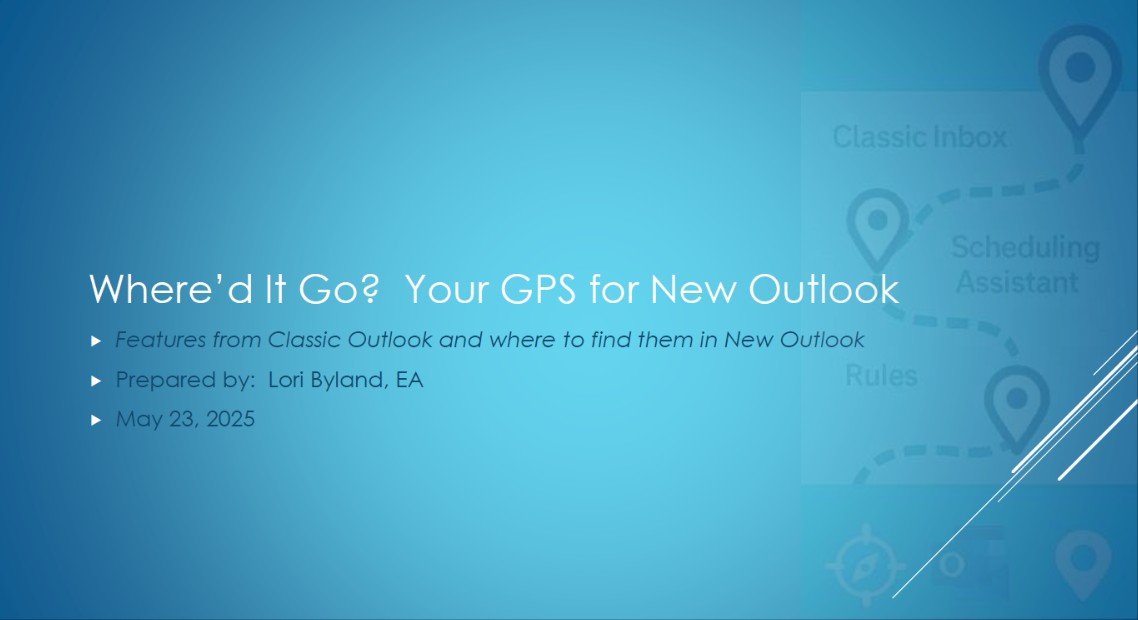
Click on the image above to download this document
Learning the New Outlook is going to take some time and just experimenting with the program to figure out how it works, compared to the Classic version you’ve been using for so many years.
The attached document was put together by Microsoft Office Expert, Lori Byland, and will be helpful as you transition from Classic Outlook to the NEW Outlook.
Key Objectives:
• Overview of key differences between Classic Outlook and New Outlook
• Tips for efficient use
• Specific examples and detailed explanations
Click on the image to download a copy of this document.
Ready to Take the Next Step with the New Outlook?
Microsoft’s NEW Outlook is changing the way we manage email, calendars and tasks. But knowing what’s changed is only the beginning.
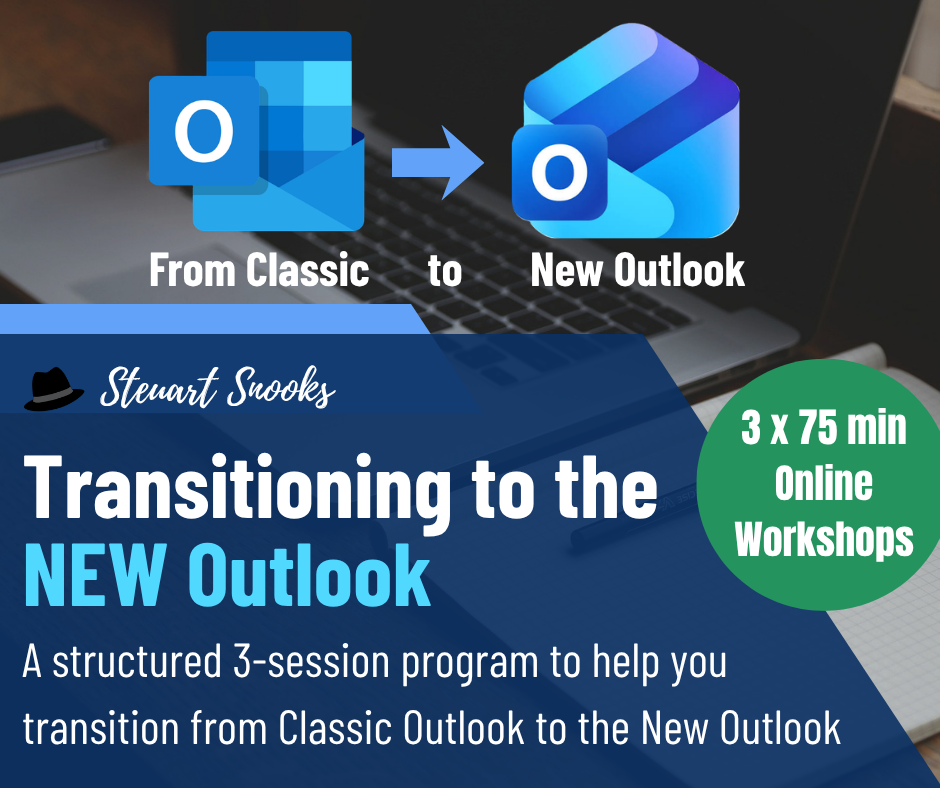
Join Steuart Snooks and Lori Byland for the Transitioning to the NEW Outlook program — a practical 30-day coaching program designed to help you transition confidently while maintaining an effective and productive way of working.
With live workshops, coaching and practical strategies, you’ll learn how to make the most of the NEW Outlook and build an efficient workflow that works for you.
Click below (or on the image) to find out more about the Transitioning to the NEW Outlook program.