The Post-Vacation Inbox Nightmare: How to Return to Work Without Losing Your First Week
There is nothing quite like returning from a holiday, feeling refreshed and ready to get back into work, only to open your inbox and discover hundreds of unread emails, a calendar full of meetings and a backlog of decisions waiting for your attention.
So much for feeling refreshed!
For many professionals, the first few days back from leave are spent trying to catch up rather than getting back to meaningful work. Emails have accumulated, projects have moved forward, colleagues are chasing answers and decisions that were put on hold are suddenly urgent.
And the bigger problem? We often accept this as simply part of taking time off.
But should returning from a holiday really mean sacrificing another week just to get back on top of things?
The hidden cost of returning to an overflowing inbox
The modern workplace rarely stops moving when we are away.
Emails continue to arrive, Teams conversations keep flowing, meetings take place and decisions are made. Even when someone is covering your responsibilities, there is often a collection of unfinished business waiting for your return.
The challenge is not necessarily the number of emails waiting for you. It is the expectation that you need to read, process and respond to everything before you can get back to your normal workload.
This creates unnecessary pressure and can quickly undo the benefits of taking a break in the first place.
Research highlighted in a recent ETHRSEA article by Shireen Khan reinforces just how significant this problem has become. Email overload is associated with increased workplace stress and lower job and life satisfaction.
It raises an important question: are we designing our workplaces to allow people to genuinely disconnect, or simply expecting them to deal with the consequences when they return?
Stop treating every email as urgent
One of the biggest mistakes people make when returning from leave is starting at the top of their inbox and working their way down.
This seems logical, but it can be incredibly inefficient.
Not every email needs a response. Some are simply informational, some have already been dealt with, some are no longer relevant and others can be delegated.
The key is to stop treating your inbox as a chronological to-do list.
Instead, use a structured approach to quickly assess what is in front of you and determine what actually requires your attention.
My Triage Operating System uses a simple four-step process:
Delete – Remove emails that are no longer relevant or require no further action.
Deal – Quickly action emails that can be dealt with in a couple of minutes.
Delegate – Pass responsibility to the appropriate person rather than automatically taking everything on yourself.
Decide – Determine the next action, priority and timeframe for everything that remains.
This approach helps you regain control without feeling compelled to read and respond to every single message.
Don't let your first week back become one long catch-up session
Another common mistake is allowing meetings, catch-ups and email backlogs to consume the first few days back.
Instead, be more intentional about how you structure your return.
Here are four practical strategies:
1. Prioritise before you start responding
Identify what genuinely needs your attention today, what can wait and what may no longer require action. Don't assume everything that arrived while you were away is still important.
2. Protect time to process your inbox
Set aside dedicated time to work through your backlog rather than constantly switching between emails, meetings and other tasks.
3. Reconnect with the right people
Rather than attending every catch-up meeting, identify the people who can give you the most important updates and help you understand what has changed.
4. Reset your priorities
Before diving back into your normal workload, review your current priorities. Your first job is not necessarily to clear your inbox. It is to understand what needs to happen next.
The secret is preparing before you leave
Of course, the best way to avoid a post-holiday inbox nightmare is to put some structure in place before you go.
A good handover, clear delegation of responsibilities and agreement about who will manage urgent matters can make a significant difference.
It is also important to communicate expectations. Your colleagues should know who to contact while you are away, what constitutes an urgent matter and what can wait until your return.
Most importantly, remember that taking leave should not mean returning to a mountain of work that only you can resolve.
Organisations need to build processes that allow work to continue without relying on one person being constantly available.
Make your return to work a fresh start
Taking a holiday should give you the opportunity to step away, recharge and return with renewed energy.
Don't let an overflowing inbox take that away from you.
With the right email management structure, you can quickly regain control, identify what matters and get back to doing the work that actually requires your attention.
Your inbox should support your productivity, not dictate it.
Ready to make a fresh start?
Returning from a break shouldn't mean spending your first week drowning in emails, unfinished tasks and competing demands.
Whether you need to clear your head, regain control of your inbox or both, we have two practical programs to help you get back on top of things and start 2027 feeling more organised.
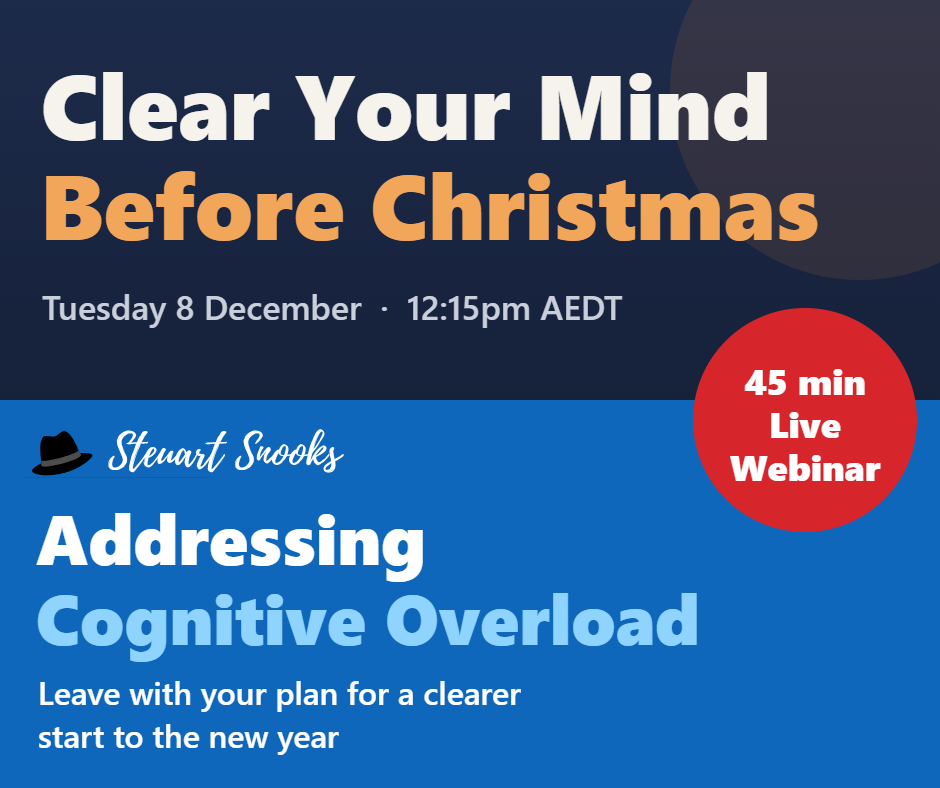
Program 1 - Clear Your Mind Before Christmas: Addressing Cognitive Overload
Tuesday 8 December, 12:15–1:00pm AEDT
Before we tackle the inbox, let's tackle what's going on in your head. This 45-minute session deals with the mental clutter: the open loops, half-finished tasks and “I must remember to…” thoughts that follow you home. You'll learn highly practical strategies to reset before Christmas, and there's a benefit for your executive too.
Launch rate: $67 + GST (normally $97 + GST)
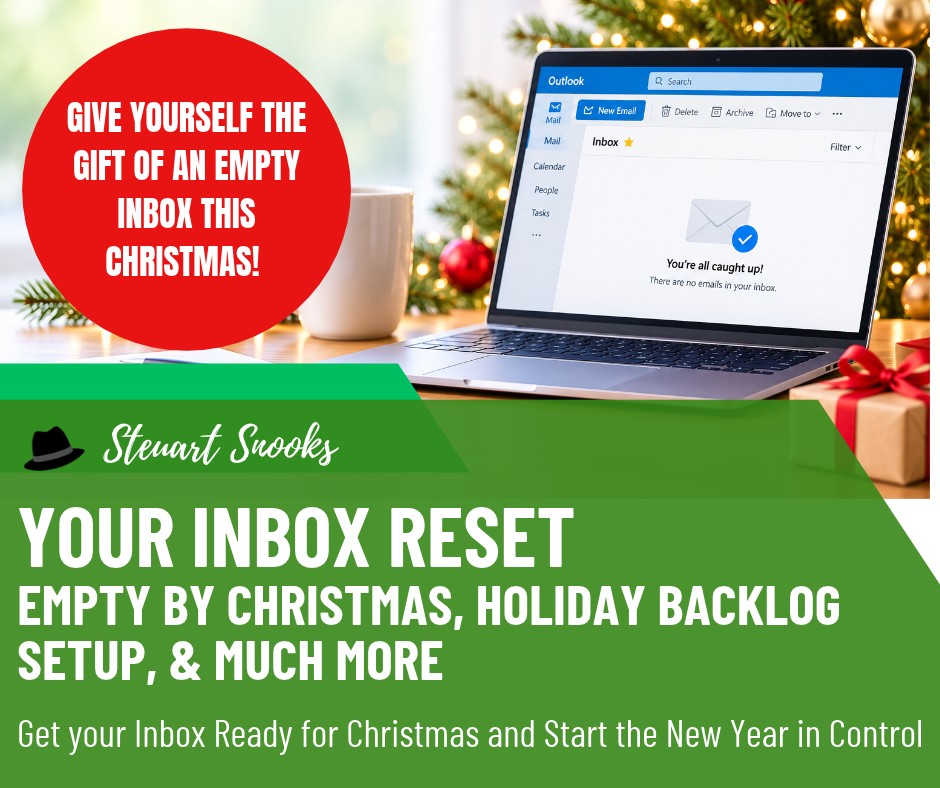
Program 2 - Clear Your Inbox before Christmas: Your Inbox Reset
Wednesday 9 December, 12:15–1:00pm AEDT
Now for the inbox itself. In this live workshop you'll get your inbox to empty, set up a holiday backlog system, and get ready for the emails that will arrive while you're away, so you come back in January to a clean slate rather than a mountain of email.
Choose the level of support that suits you:
Empty by Christmas ($97 + GST): the live workshop, the recording, practical resources and four weeks of follow-up nudge emails
Clear in the New Year ($197 + GST): everything above, plus two live January Backlog Blitz sessions (Wed 20 January and Wed 3 February, 12:15pm AEDT), three months of Dr Email Membership with access to my recording library, and resources to help you prepare for the NEW Outlook
Stay in Control ($297 + GST): everything above, plus two private 15-minute coaching sessions with me and a personalised inbox action plan
Choose your option and register for Your Inbox Reset
You don't have to carry the same email and workload pressures into another year. Take the opportunity to reset now.