Only 17% of EAs Have Made the Switch to the NEW Outlook. Have You?
By Steuart Snooks, Email & Workplace Productivity Expert
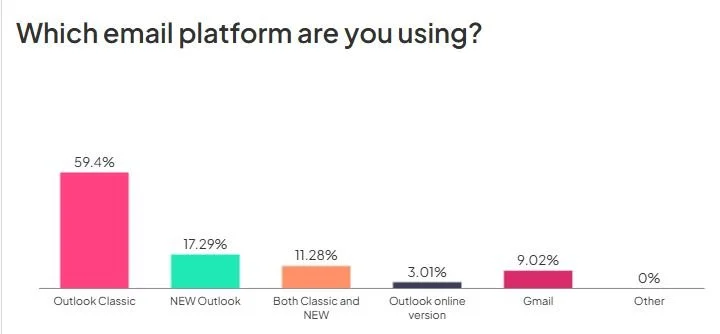
Last Wednesday (11 November) I spoke to a room of 200 EAs at ThinkTank Media's Corporate PA Summit in Perth. During my session I asked a simple question: which email platform are you using?
The answers were most interesting.
59% are still working in Classic Outlook
Only 17% have fully moved across to the NEW Outlook
11% are running both side by side
The rest are on Gmail (9%) or Outlook online (3%)
In other words, even among the Outlook users in that room, fewer than one in five has fully made the switch.
Why this matters now
Whether you love it or loathe it, the NEW Outlook is coming, and Microsoft's timeline is closer than most people realise:
March 2027 (just four months away): the NEW Outlook becomes the default for organisations on Microsoft 365. You'll still be able to toggle back to Classic, for now.
From March 2028 (about 16 months away): Microsoft will begin the final “cutover”, when Classic Outlook is removed and there's no going back.
Sixteen months sounds like plenty of time. But here's what I see happening in organisation after organisation: IT flicks the switch, and EAs are left to work it out on the fly, usually in the middle of a busy period, while still managing their own inbox and their executive's inbox and calendar.
And this isn't just a new coat of paint. NEW Outlook isn’t simply an upgrade of the Classic version – it’s been built on a completely different platform. Folders, Rules, Quick Steps, Categories, Shared mailboxes and Delegate access all behave differently. The workflows you've built up over years don't simply carry across. They need to be rethought.
The good news? If you plan for it, this is a golden opportunity to set up a cleaner, calmer way of working rather than dragging your old habits (and your old clutter) into a new platform.
So, I'm offering a two-step path to help you get there.
Step 1: Clear the decks before the Christmas holidays
Moving into the NEW Outlook with 3,000 emails sitting in your inbox is like moving house without packing or decluttering first. You just end up with the same mess in a different place.
That's why I'm running two back-to-back webinars in December to help you clear both your mental clutter and your inbox, so you can head into the holidays with a clear head and come back in January ready for what's next.
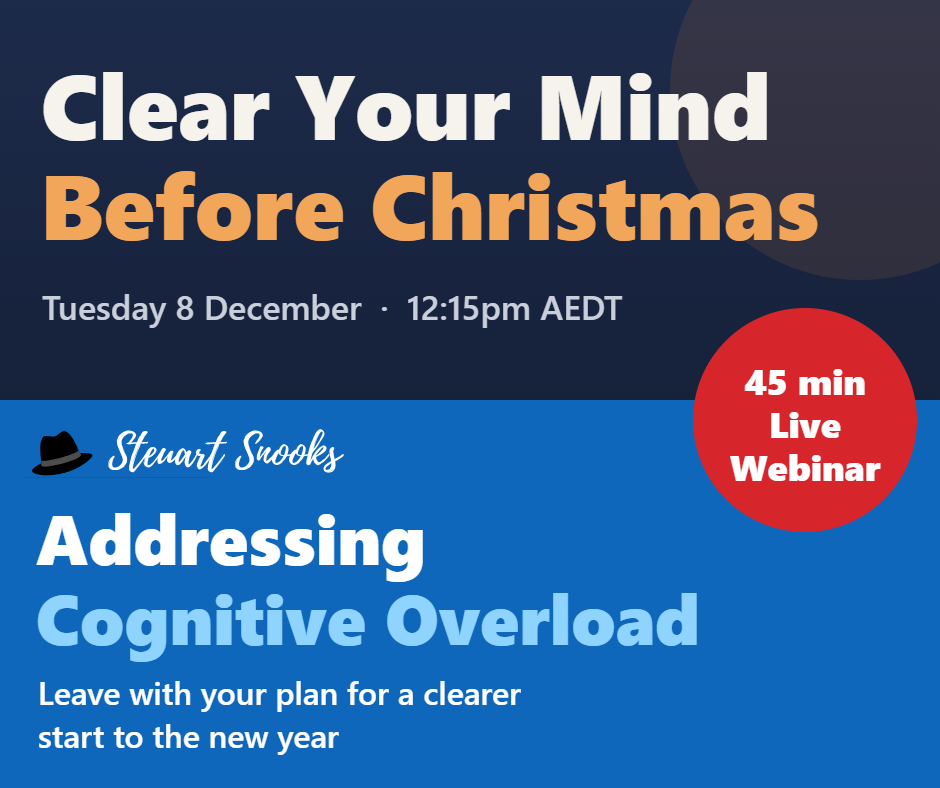
1. Clear Your Mind Before Christmas: Addressing Cognitive Overload
Tuesday 8 December, 12:15–1:00pm AEDT
Before we tackle the inbox, let's tackle what's going on in your head. This 45-minute session deals with the mental clutter: the open loops, half-finished tasks and “I must remember to…” thoughts that follow you home. You'll learn highly practical strategies to reset before Christmas, and there's a benefit for your executive too.
Launch rate: $67 + GST (normally $97 + GST)
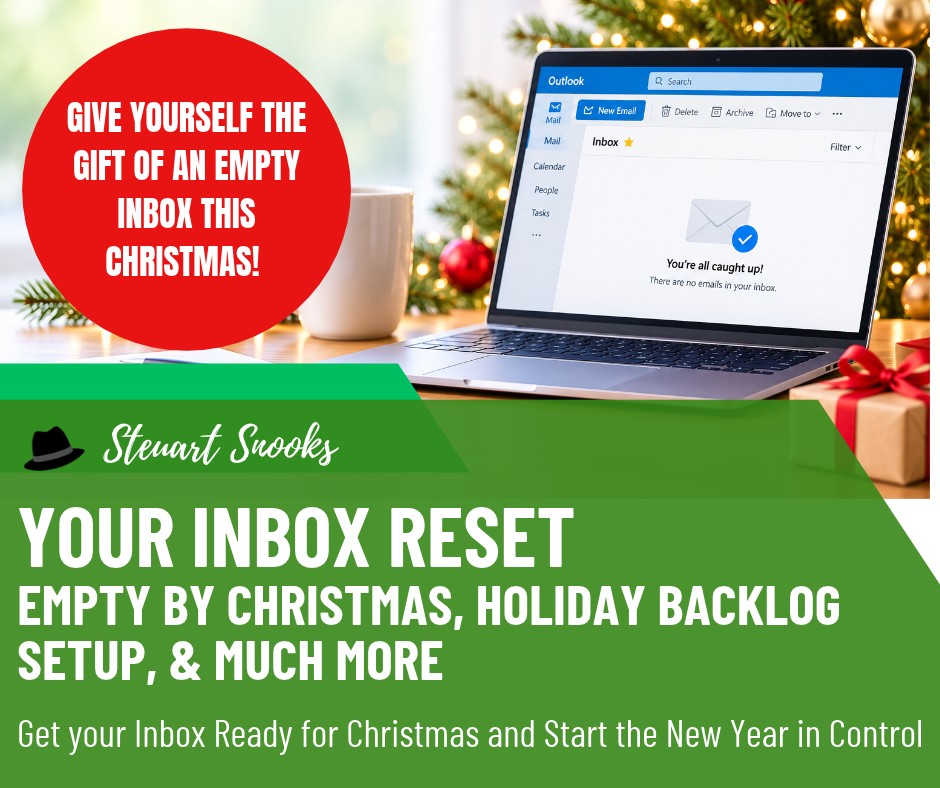
2. Clear Your Inbox before Christmas: Your Inbox Reset
Wednesday 9 December, 12:15–1:00pm AEDT
Now for the inbox itself. In this live workshop you'll get your inbox to empty, set up a holiday backlog system, and get ready for the emails that will arrive while you're away, so you come back in January to a clean slate rather than a mountain of email.
Choose the level of support that suits you:
Empty by Christmas ($97 + GST): the live workshop, the recording, practical resources and four weeks of follow-up nudge emails
Clear in the New Year ($197 + GST): everything above, plus two live January Backlog Blitz sessions (Wed 20 January and Wed 3 February, 12:15pm AEDT), three months of Dr Email Membership with access to my recording library, and resources to help you prepare for the NEW Outlook
Stay in Control ($297 + GST): everything above, plus two private 15-minute coaching sessions with me and a personalised inbox action plan
Step 2: Make the move with confidence (February)
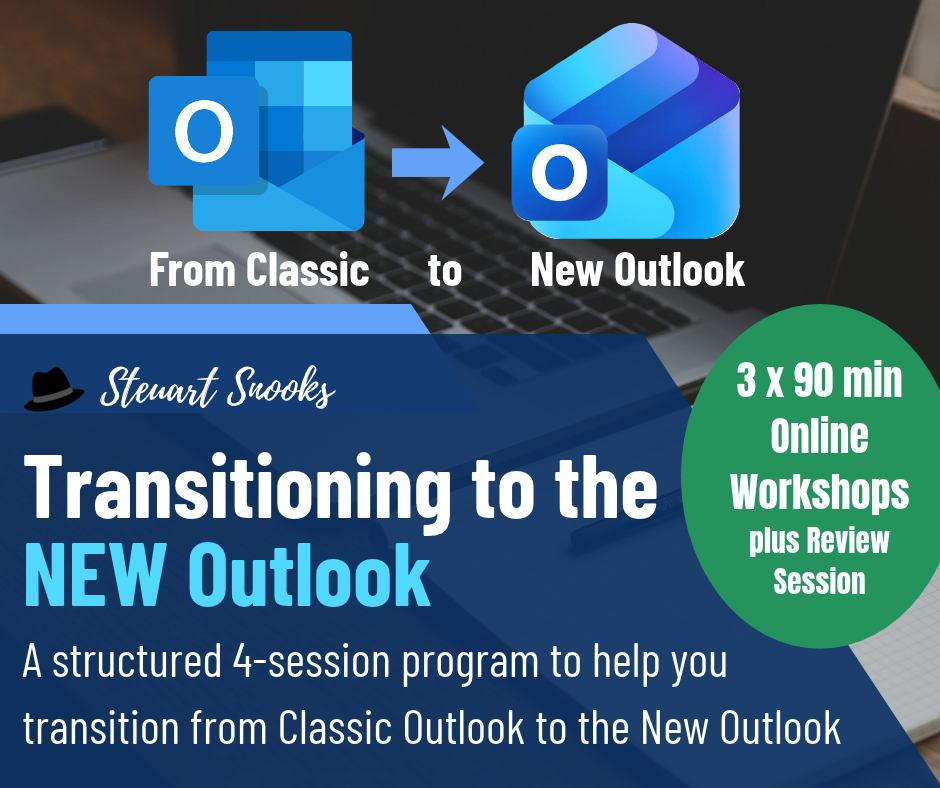
Then, from February 2027, I'm running the ‘Transitioning to the NEW Outlook’ program, co-presented with Lori Byland. Lori is an EA who was an early adopter of the NEW Outlook, has worked closely with Microsoft's product teams, and is a newly awarded Microsoft MVP. There's no-one better to show you what actually works in the real world.
You'll learn how the NEW Outlook really works, set up your own structure and processes, and leave with a system you can rely on, before the decision gets made for you.
Choose the pace that suits your workload:
Fast Track 30 Day Program (February 2027, $995 + GST) — for those who want to make the switch quickly
90 Day Program (February to May 2027, $995 + GST) — for those who prefer more time to implement between sessions
Not ready to commit yet? Start with Understanding the NEW Outlook ‘On Demand’ recorded workshop ($95 + GST) and get familiar with NEW at your own pace.
Don't be in the 83%
The EAs who come through this transition smoothly won't be the ones who are most tech-savvy. They'll be the ones who started early, with a clean slate.
Clear the decks in December. Make the move in February. And start 2027 in control of your inbox, rather than the other way round.
One last thing: if you're one of the 11% already running Classic and NEW side by side, you're off to a great start. It's exactly what we recommend: get familiar with NEW in real time while Classic is still there as your safety net, rather than having to jump in at the deep end. The February program will help you take the next step and make NEW your home with confidence.